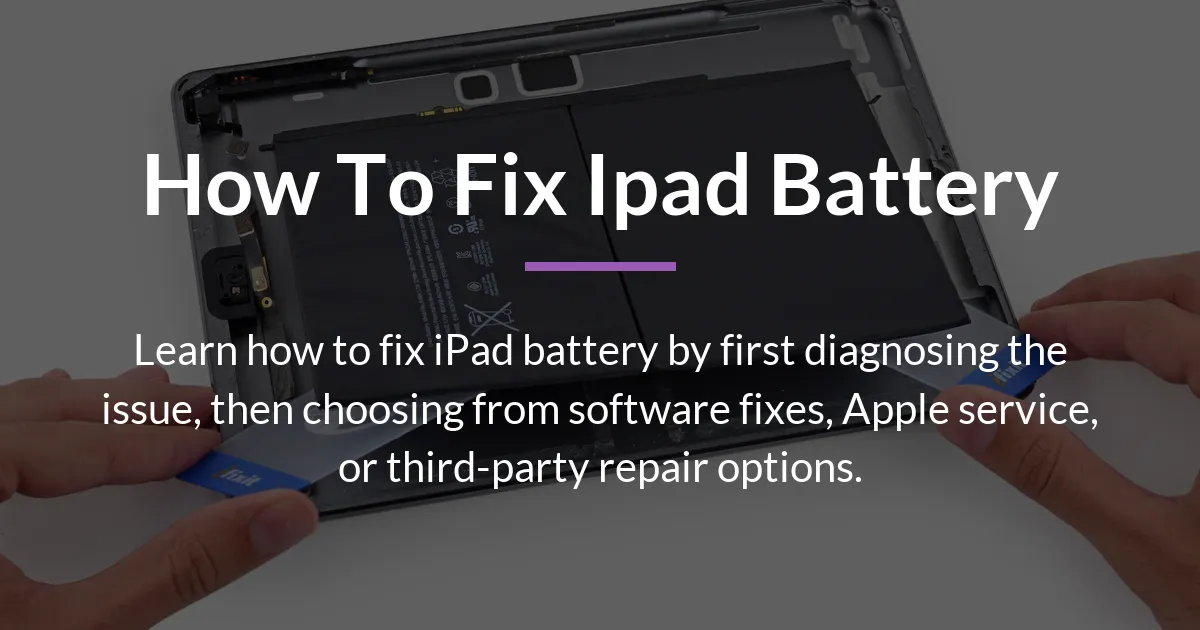
If your iPad is dying too quickly, learning how to fix iPad battery problems starts with identifying the cause. The solution could be a simple setting change, a software refresh, or a physical battery replacement. This guide walks you through a clear diagnostic process and then explores all your repair choices, from free fixes to paid services.
Start by Diagnosing Your iPad Battery Problem
To effectively fix your iPad battery, you must first understand what is wrong. Many people jump straight to thinking they need a new battery, but often the issue is simpler. A methodical approach saves you time and money by pinpointing whether it is a software glitch, a settings problem, or actual hardware failure.
Follow this step-by-step process to diagnose your iPad battery issue. Begin with the easiest and most common fixes before moving to more complex possibilities.
- Check for software updates and review your battery settings. Go to Settings, then Battery, to see your battery health percentage and which apps use the most power. An outdated iOS version can often cause drain.
- Perform a basic power cycle by completely turning your iPad off and then on again. This simple restart can clear temporary software errors that cause abnormal battery drain.
- Test the battery under different conditions. See if the drain happens mostly when you are using the iPad or when it is in standby mode. Check if it is worse when using cellular data versus Wi-Fi.
- Consider any recent changes. Did the problem start right after you installed a new app or updated your iOS? Correlating the timeline can provide a big clue.
- Look for clear signs of hardware failure. These include the battery percentage dropping very rapidly, the iPad not charging consistently, any physical swelling of the device, or a battery health reading well below 80% maximum capacity.
Fixing Common Software and Settings Issues
If your diagnosis points to a software-related problem, there are several adjustments you can make. These fixes cost nothing and can restore battery life quickly. Start by managing features that run in the background without you noticing.
Navigate to Settings and find Background App Refresh. Turning this off for apps that do not need it can make a significant difference. Also, review Location Services and set apps to use location only while you are using them.
Adjust your screen brightness and auto-lock settings. A very bright screen is a major power drain. Set auto-lock to a shorter time, like 30 seconds or one minute, so the screen turns off quickly when not in use. If these steps do not help, consider resetting all settings. This will not erase your data but will return all preferences to default, which can fix deeper software conflicts.
Recognizing Signs of a Failing Battery
When software fixes do not work, the problem is likely with the battery itself. A degraded battery shows specific symptoms. The most telling sign is a rapid drop in charge percentage, like going from 50% to 10% in minutes, even with light use.
Your iPad might also shut down unexpectedly when the battery shows there is still charge left. Another indicator is if the battery health in Settings shows a maximum capacity significantly reduced, especially below 80%. In rare cases, you might even see the iPad case bulging or feel excessive heat, which requires immediate attention for safety.
Getting Official Battery Service from Apple
If you have determined your iPad needs a new battery, the most straightforward path is through Apple. Their official service ensures you get a genuine battery and retains any existing warranty. The process is designed to be reliable, though it comes with a set cost.
You can start by visiting the Apple Store website to schedule an appointment at the Genius Bar. Alternatively, you can mail your iPad in for repair. Apple offers remote diagnostics in some cases, where they can run battery tests to confirm the issue before you commit to service.
The cost for Apple’s battery replacement service depends on your iPad model. Below is a table showing the typical service fees in the United States. These prices are for out-of-warranty service, as batteries worn down from normal use are not covered by the standard warranty.
| iPad Model Type | Estimated Battery Service Fee |
|---|---|
| Standard iPad (most models) | $99 |
| iPad Pro (including First Gen iPad Pro) | $99 to $129 |
| iPad Air or iPad mini | Around $99 |
Remember that if your iPad has additional damage, like a cracked screen, that will be a separate service fee. Apple will often quote you for the total repair cost before proceeding.
Is Repairing an Older iPad Worth the Cost?
This is a critical question many guides miss. For an older iPad, you must decide if paying for a new battery makes financial sense. Compare the service cost to the current market value of your device. If your iPad is several years old, a $99 battery replacement might be close to what the iPad is worth.
Consider other factors too. Does the iPad have a cracked screen or other issues that would add to the repair bill? An older iPad with a new battery will last longer on a charge, but it will not become faster or gain new features. Sometimes, putting the money toward a newer model is a more practical long-term decision.
Exploring Third-Party and DIY Battery Replacement
Apple is not your only option for fixing an iPad battery. Independent repair shops and do-it-yourself kits exist, often at a lower cost. Understanding this landscape helps you make an informed choice if official service seems too expensive for your situation.
The key advantage of third-party repair is lower price. A local shop might replace your iPad battery for less than Apple’s fee. The risk is variability in part quality and technician skill. Not all replacement batteries are equal; some may not meet the original capacity or safety standards.
How to Choose a Reliable Repair Shop
If you consider a third-party shop, do some research first. Ask them where they source their replacement batteries and if they offer a warranty on both the part and their labor. A reputable shop should be transparent about these details.
Inquire if the repair will affect other functions. For some iPad models, replacing the battery outside an Apple Store can compromise water resistance or Touch ID functionality. A good technician will explain these trade-offs upfront. You can also use tools like Coconut Battery on a Mac to check the battery metrics after repair, verifying the health of the new battery independently.
The Reality of DIY Battery Replacement
Replacing an iPad battery yourself is possible but not for everyone. It requires specific tools, patience, and a willingness to risk damaging your device. Online tutorials and kits are available, but the complexity varies greatly by iPad model.
Newer iPads are especially challenging because the battery is often glued securely to the frame. The process involves carefully opening the device, which can easily crack the screen if done incorrectly. For most users, especially without prior repair experience, DIY is a risky path that could lead to more costly damage.
Maintaining Your iPad Battery After a Fix
Once your battery issue is resolved, proper care will help it last longer. Good habits can extend the life of any battery, whether it is new or recently refreshed through software.
Avoid exposing your iPad to extreme heat or cold, as temperature extremes stress the battery. For charging, it is best to keep the battery between 20% and 80% most of the time, rather than always draining it to zero or charging to 100%. Using a certified charger and cable also ensures safe and efficient power delivery.
Periodically check your battery health in Settings to monitor its condition. If you notice slow degradation over time, that is normal. But if there is a sudden drop in capacity, it might signal a new problem that needs attention.
Frequently Asked Questions
Does Apple replace iPad batteries for free under warranty?
Apple replaces iPad batteries for free only if there is a manufacturing defect covered by the limited warranty or AppleCare+. Batteries that wear down from normal use are not covered, and you will pay the service fee.
How can I check my iPad battery health without going to the Genius Bar?
You can check battery health directly in your iPad Settings. Go to Settings > Battery > Battery Health. This shows your maximum capacity percentage and if your battery is supporting peak performance.
My iPad battery drains fast only when using certain apps. What does this mean?
This usually means those specific apps are poorly optimized or have power-hungry features. Check the Battery section in Settings to see app-by-app usage. Try updating the apps or limiting their background activity.
What is the typical cost to replace an iPad Pro battery compared to a standard iPad?
For Apple service, iPad Pro battery replacement typically costs between $99 and $129, while standard iPad battery replacement is usually $99. Prices can vary slightly by model and region.
Will replacing my iPad battery improve its performance, or just its battery life?
Replacing a degraded battery primarily improves battery life, allowing your iPad to run longer on a charge. In some cases, if your iPad was slowing down due to an old battery, performance might feel snappier because the system can maintain peak power.
Is it safe to use an external power pack to charge my iPad regularly?
Yes, it is safe to use a quality external power bank or power pack to charge your iPad. Ensure the power bank has adequate output and is from a reputable brand to avoid potential damage from unstable power.
How long should a new iPad battery last with normal use?
A new or newly replaced iPad battery should last for about 1000 full charge cycles before it significantly degrades. With normal use, this translates to several years before you might notice reduced battery life.
If I get my battery replaced at an Apple Store, do I get a new device or my existing iPad back?
In most cases, you get your existing iPad back with a new battery installed. Apple typically repairs your device rather than giving you a replacement device for battery service, unless other damage is found during repair.
Can a damaged iPad screen cause battery drain issues?
Yes, a damaged screen, especially if it has cracks affecting the display or touch sensors, can cause increased battery drain. The system may work harder to power the damaged components, leading to faster battery consumption.
What should I do with my old iPad if I decide not to fix the battery?
You can recycle it responsibly through Apple’s recycling program or an electronics recycler. Alternatively, if it still works when plugged in, you could repurpose it as a dedicated device for a fixed location, like a kitchen recipe viewer or a smart home controller.
Successfully learning how to fix iPad battery issues empowers you to take the right action, whether it is a quick settings tweak or investing in a replacement. By following a logical diagnosis and understanding all your options, you can restore your iPad’s reliability and get back to using it without constant worry about the next charge.