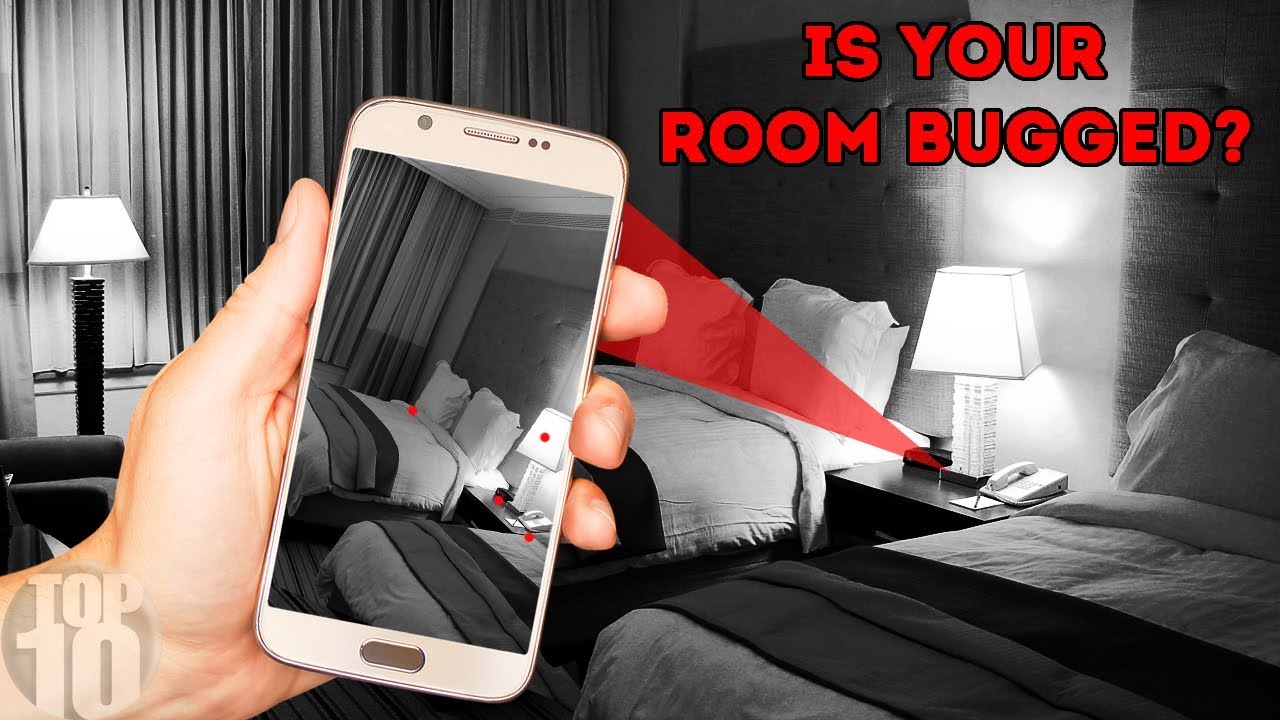
To check for cameras in a hotel room using an iPhone, you can use a camera detection app available on the App Store. These apps utilize the iPhone’s camera to detect any unusual reflection or hidden cameras in the room.
By simply scanning the room with your iPhone, the app will alert you if it detects any camera-like objects. It’s a quick and convenient way to ensure your privacy and security when staying in a hotel room. So, before settling in, take a few moments to scan the surroundings with your iPhone to ensure peace of mind.
Your safety is of utmost importance, and this method provides an easy solution to detecting hidden cameras in a hotel room.

Credit: www.wikihow.com
Understanding The Issue
Understanding the Issue:
Legal Implications
It is crucial to consider the legality of checking a camera in a hotel room, as it can potentially violate privacy laws.
Privacy Concerns
Privacy concerns arise when individuals discover a hidden camera in their hotel room, underscoring the importance of protecting personal privacy.

Credit: www.wikihow.com
Using Your Iphone As A Tool
If you are concerned about your privacy and want to ensure that there are no hidden cameras or audio recording devices in your hotel room, you can use your iPhone as a handy tool to scan for these surveillance devices. With its advanced capabilities and various apps available, your iPhone can help you detect any potential privacy breaches and give you peace of mind during your stay. This article provides a step-by-step guide on how to check for cameras and audio recording devices in your hotel room using your iPhone, ensuring that you can stay secure and protected.
Scanning For Hidden Cameras
Step 1: Turn off the lights in your hotel room and close the curtains.
Step 2: Open the camera app on your iPhone and launch the “Video” mode.
Step 3: Slowly scan the room from left to right, focusing on areas where hidden cameras may be concealed, such as behind mirrors, in smoke detectors, or inside decorative objects.
Step 4: Look for any small, blinking lights that may indicate the presence of a hidden camera.
Step 5: If you suspect a hidden camera, use the flashlight feature on your iPhone to illuminate the area and look for glimmers or reflections that may indicate the lens of a camera.
Step 6: If you find any suspicious objects or lights, notify the hotel staff immediately.
Checking For Audio Recording Devices
Step 1: Close all the apps running on your iPhone to eliminate any potential interference.
Step 2: Place your iPhone near suspected areas where audio recording devices could be hidden, such as power outlets, phone jacks, or air vents.
Step 3: Make a phone call or play music on your iPhone at a moderate volume.
Step 4: Listen carefully for any faint buzzing, clicking, or interference sounds that could indicate the presence of an audio recording device.
Step 5: Move your iPhone closer to the suspected area to see if the sound becomes louder or clearer.
Step 6: If you hear any unusual sounds, notify the hotel staff immediately.
Steps To Take If You Find Something Suspicious
Worried about hidden cameras in your hotel room? Use your iPhone to check for any suspicious devices by simply scanning the room for any unusual reflections or indicators. If you find any strange objects, immediately report it to the hotel management and take necessary steps to protect your privacy and safety.
In the unfortunate situation where you discover something suspicious while checking for hidden cameras in your hotel room using your iPhone, it is crucial to handle the situation carefully and responsibly. Follow these steps to ensure your safety and protect your privacy:
1. Documenting The Evidence
Once you have identified something suspicious, it is essential to document the evidence properly. This will not only serve to support any future actions you may need to take but also help authorities in their investigation. Here’s what you should do:
- Use your iPhone camera: Take clear and detailed photographs or videos of the suspicious item or area.
- Take notes: Document any relevant details such as the location of the item or any peculiar observations.
If possible, preserve the scene by making sure not to disturb anything until authorities arrive, as this can help in their investigation.
2. Notifying The Authorities
Next, it is crucial to inform the proper authorities about your findings. This will not only ensure a prompt response but also help protect others who may be at risk. Follow these steps when notifying the authorities:
- Contact the hotel staff: Inform the hotel staff immediately about the suspicious item or situation. They should have protocols in place to handle such incidents.
- Call the local authorities: Dial the emergency number of the local police or security agency to report the incident.
- Provide detailed information: Be prepared to share all relevant information, including your room number, specifics about the suspicious item, and any supporting evidence you have documented.
By notifying both the hotel staff and the authorities, you increase the chances of a swift and effective response to the situation.
Remember, it is essential to keep calm throughout the process and let the professionals handle the situation. Your proactive steps can help ensure your safety and the privacy of other hotel guests.
Ensuring Your Safety And Privacy
Ensuring your safety and privacy while staying in hotel rooms is paramount, especially in an age where technology can be used to compromise your security. One way to protect yourself is by checking the camera in your hotel room using your iPhone.
Choosing Reputable Accommodations
Before booking a hotel room, opt for reputable accommodations with a track record of prioritizing guest security. Research the hotel’s reputation online and read reviews from verified guests.
Taking Additional Precautions
- Upon entering the room, conduct a visual sweep for any suspected hidden cameras.
- Utilize your iPhone’s camera flashlight feature to illuminate dark corners and detect unusual objects.
- Check common hiding spots such as smoke detectors, alarm clocks, and mirrors for hidden cameras.
Raising Awareness And Seeking Support
When it comes to ensuring safety and privacy, it’s crucial to be proactive about checking for hidden cameras in hotel rooms. Raising awareness and seeking support are essential steps that can empower travelers to protect themselves. Educating others and seeking legal advice can help individuals take informed actions to address this concerning issue.
Educating Others
By educating others about the need to check for hidden cameras in hotel rooms, individuals can raise awareness and prevent potential invasions of privacy. Sharing knowledge about how to use iPhone to detect hidden cameras can equip fellow travelers with the tools to safeguard their privacy.
Seeking Legal Advice
In the unfortunate event of discovering a hidden camera in a hotel room, seeking legal advice is vital. This step can help individuals understand their rights and options for recourse. It’s important to consult with legal professionals who specialize in privacy and surveillance issues to ensure a thorough and well-informed approach to addressing the situation.
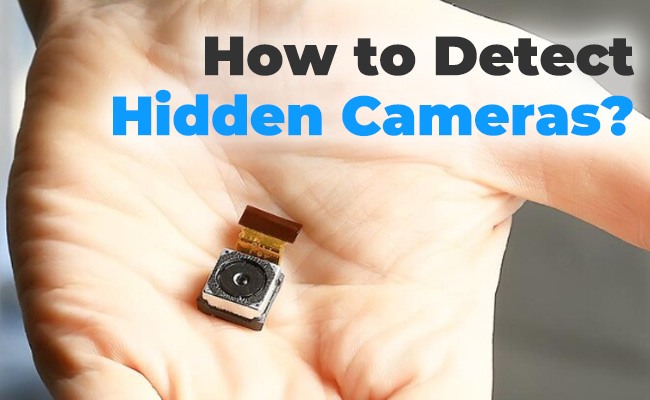
Credit: reolink.com
Frequently Asked Questions On How To Check Camera In Hotel Room Using Iphone
Can I Detect A Hidden Camera With My Iphone?
Yes, you can use your iPhone to detect hidden cameras by using a camera detection app.
How Do I Know If There Is A Camera In My Hotel Room?
To check for cameras in your hotel room, conduct a thorough visual search, looking for any small, hidden devices. Pay attention to unusual or out-of-place objects like smoke detectors, clocks, or wall outlets. Additionally, you can use a camera detector device to scan for any hidden cameras.
Stay vigilant and ensure your privacy.
How Can I Check My Cameras In A Hotel Room With My Phone?
To check your hotel room cameras with your phone, download the hotel’s surveillance app and log in with your credentials. Open the app, select your room, and access the live camera feed to monitor the area using your phone’s screen.
Is There A Camera Detector App That Actually Works?
Yes, there are camera detector apps that work effectively to detect hidden cameras.
Conclusion
Ensure peace of mind during travels by utilizing your iPhone to check hotel room cameras discreetly and effectively. With simple steps and the right tools, you can safeguard your privacy and security. Stay vigilant and take control of your environment to enjoy a worry-free stay.
Remember, a little precaution goes a long way in ensuring a safe and comfortable experience.