
To check Facebook messages without Messenger on iPhone, access the mobile website via Safari or Chrome. You can view and respond to messages through the web browser without the Messenger app installed.
This method allows you to stay connected and interact with your messages seamlessly without the need for the dedicated Messenger app on your device. In today’s fast-paced digital world, staying connected with friends and family is vital. Facebook messages provide a convenient way to communicate, but not everyone wants to use the Messenger app.
By utilizing the mobile website on your iPhone, you can access your messages easily and efficiently. This guide will walk you through the steps to check your Facebook messages without the Messenger app, ensuring you stay connected on the go.
Credit: m.youtube.com
Using The Facebook Mobile Website
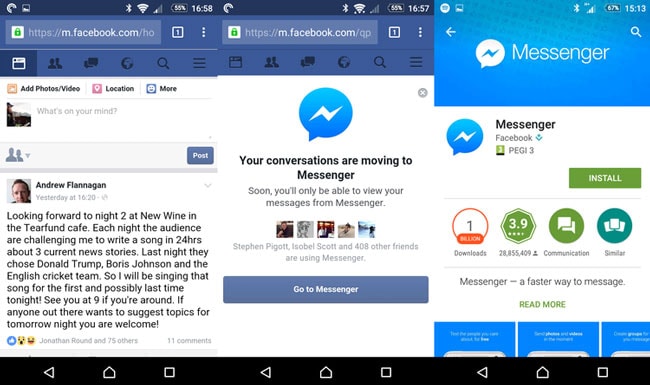
Access Facebook messages without the Messenger app on iPhone by using the mobile website. Open your browser, sign in to Facebook, and navigate to the messages section to view and respond to messages directly. This method allows you to check and manage your messages without the need for the Messenger app.
Underneath, you’ll discover a straightforward and useful guide on how to check Facebook messages without Messenger on iPhone. In this section, we’ll focus on using the Facebook Mobile Website, which provides an alternative way to access your messages. Let’s get started!Logging In To The Mobile Website
To begin, open the web browser on your iPhone and navigate to the Facebook website. Once you’ve reached the homepage, you’ll need to log in using your Facebook credentials. Simply enter your email address or phone number along with your password, and tap on the “Log In” button.
Accessing Messages On The Mobile Website
Once you’re logged in, you can easily access your Facebook messages on the mobile website. Look for the Messenger icon, a lightning bolt inside a speech bubble, located at the top-right corner of the screen. Tap on the icon to view your messages.
Alternatively, if you’re already on the Facebook homepage, you can access your messages by tapping on the “Menu” icon, which appears as three horizontal lines in the bottom-right corner. A drop-down menu will appear, and you can find the “Messenger” option among the list. Tap on “Messenger” to open your messages.
Whether you choose to use the Messenger icon or the menu option, you’ll be directed to your Facebook messages. From here, you can read your conversations, send new messages, and manage your inbox, just like you would on the Messenger app.
Credit: www.dailydot.com
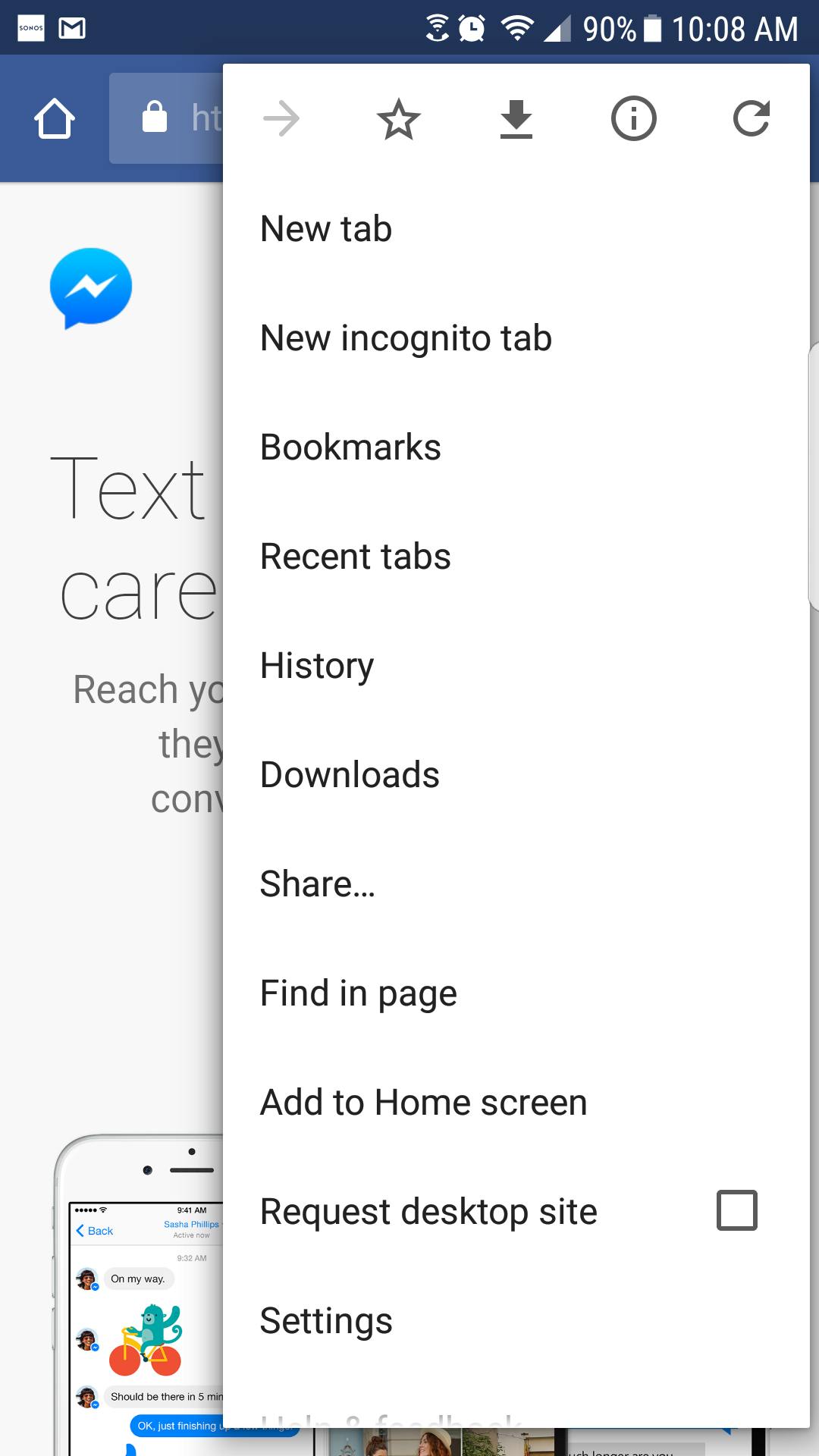
Using The Request Desktop Site Option
By enabling the Request Desktop Site option on your iPhone, you can access your Facebook messages without having to use the Messenger app. This method allows you to view and respond to messages directly through the Facebook website on your phone.
Enabling The Request Desktop Site Option
To enable the Request Desktop Site option on your iPhone, follow these simple steps:
- Open Safari on your iPhone.
- Go to the Facebook website and log in to your account.
- Tap the AA icon in the address bar.
- Scroll down and select Request Desktop Website.
Accessing Messages On The Desktop Site
Once you have enabled the Request Desktop Site option, accessing your Facebook messages on the desktop site is straightforward:
- Click on the Messenger icon at the top of the Facebook page.
- View all your messages and engage with them as if you were using the Messenger app.
- You can send and receive messages seamlessly without the need for the Messenger app on your iPhone.
Using Third-party Apps
Easily check your Facebook messages without downloading Messenger on your iPhone by using third-party apps designed for this purpose. Stay connected and manage your messages seamlessly with these alternatives.
Exploring Third-party Alternatives
When you don’t want to use the official Facebook Messenger app on your iPhone, exploring third-party apps can provide an alternative way to access your Facebook messages.
Accessing Messages Through Third-party Apps
If you prefer not to use the Messenger app, you can choose from various third-party apps available on the App Store that allow you to check your Facebook messages efficiently.
“`Notifying People To Use Other Platforms
Discover how to access Facebook messages without using Messenger on iPhone, allowing users to interact via alternative platforms seamlessly. Receive instant notifications to switch to different messaging options for enhanced communication convenience.
Communicating The Need For Alternative Platforms
When it comes to checking Facebook messages on your iPhone without using the Messenger app, it is important to notify your contacts about the need to use other platforms for communication. This can be done in a clear and concise manner to ensure everyone is aware of the changes and can adapt accordingly.
Exploring Other Communication Options
It is essential to explore alternative communication options to ensure seamless interaction with your contacts. By diversifying the platforms you use, you can continue to stay connected and receive messages without relying solely on the Facebook Messenger app.
One popular alternative to Facebook Messenger is utilizing email as a communication channel. You can notify your contacts to reach out to you via email, enabling them to send messages and share important updates.
Text Messaging
Another convenient option is to utilize text messaging for communication. By sharing your phone number with your contacts, they can easily send you messages, allowing for quick and direct conversations.
Other Messaging Apps
Besides Facebook Messenger, there are various other messaging apps available that can be used as alternatives. WhatsApp, Telegram, and Signal are some popular choices that offer similar functionalities and can be easily accessed on your iPhone.
Social Media Direct Messages
If you and your contacts are active on other social media platforms, you can encourage them to reach out via direct messages on platforms such as Instagram, Twitter, or LinkedIn. These platforms often have dedicated messaging features that allow for efficient communication.
Staying Connected
By notifying your contacts of the need to use alternative platforms and exploring different communication options, you can ensure that you stay connected with them. Consider sending out a friendly message or an update on your Facebook profile to inform everyone of the changes and provide them with the necessary details for reaching out.
Considering Privacy And Security Implications
When checking Facebook messages without Messenger on iPhone, it’s crucial to consider the privacy and security implications. Understanding the privacy risks associated with this action and implementing necessary security measures are essential.
Understanding Privacy Risks
Using alternative methods to access Facebook messages without Messenger on iPhone may pose privacy risks. The data transmitted without the official app could be vulnerable to interception by unauthorized entities.
Implementing Security Measures
To mitigate potential security threats, it’s imperative to ensure that the iPhone has the latest operating system and Facebook app updates installed. Enabling two-factor authentication for the Facebook account also adds an extra layer of security against unauthorized access.
Credit: drfone.wondershare.com
Frequently Asked Questions For How To Check Facebook Messages Without Messenger On Iphone
Can You Check Facebook Messages Without Messenger?
Yes, you can check Facebook messages without Messenger by accessing them through the Facebook website.
How Do I View Facebook Messages On Safari Iphone?
To view Facebook messages on Safari iPhone, simply open the Facebook website on your Safari browser and login to your account. Then, click on the Messenger icon to access your messages and start conversing with your friends.
How Can I Open Facebook Messenger On My Iphone Without The App?
You can open Facebook Messenger on your iPhone without the app by accessing it through the Facebook website on your mobile browser. Simply log in to your Facebook account and click on the Messenger icon to start using it without downloading the app.
How Can I Read Facebook Messages Without Opening Them On My Iphone?
To read Facebook messages without opening them on your iPhone, simply use the preview feature. Just swipe left on the message to reveal the contents without opening the chat. This allows you to view messages discreetly.
Conclusion
To summarize, checking Facebook messages without Messenger on your iPhone is both simple and efficient. By utilizing alternative methods such as the Facebook website or third-party apps, you can easily access your messages without the need for the Messenger app.
These solutions provide a user-friendly experience while ensuring you stay connected with your friends and contacts on the platform. Start exploring these options today and streamline your messaging experience on Facebook.