How to Easily Copy And Paste Youtube Description on Iphone
To copy and paste a YouTube description on an iPhone, open the YouTube app, tap on the video, then tap …
 Hanna
Hanna
To copy and paste a YouTube description on an iPhone, open the YouTube app, tap on the video, then tap …
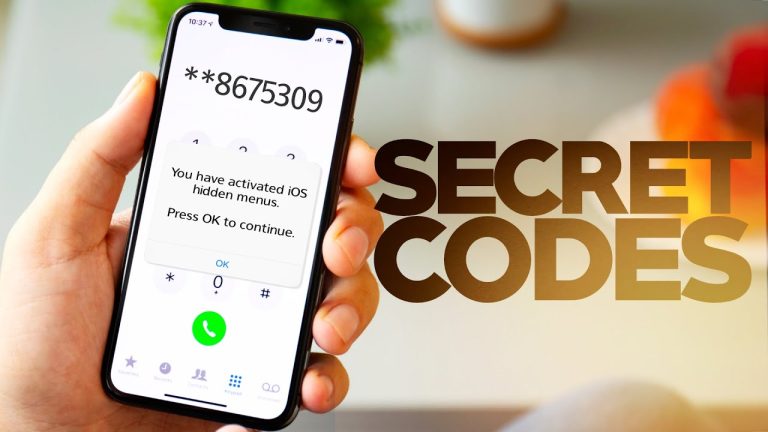
To find the carrier of an iPhone, go to Settings, then General, followed by About, and view the Carrier information. …

To type the degree symbol on an iPhone, hold down the 0 key for access to it. Are you looking …
To take a screenshot on iPhone 11, simultaneously press the side button and the volume up button. The screen will …

To copy a link on an iPhone, tap and hold the link, then select Copy from the menu that appears. …
To download a movie on iPhone, use the iTunes Store app and search for the movie title. Tap on the …

To delete shared notes on iPhone, open the note, tap the three dots, select Delete Note. Are you looking to …

To find the GPS location of a photo on iPhone, open the photo in the Photos app. Tap the info …

To crop a picture without losing quality on an iPhone, use the built-in editing tools. Firstly, open the Photos app …

To delete Instagram chats on an iPhone, open the chat, tap and hold the message, select “Unsend” or “Delete Message”. …

To disable “Turn off iPhone when locked,” go to settings, select Touch ID & Passcode, then toggle off “Allow Access …
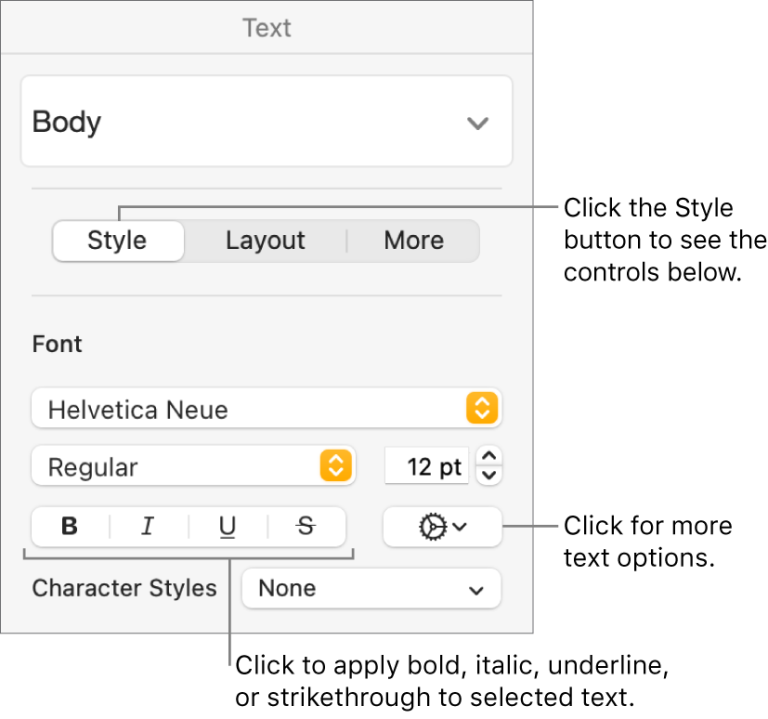
To enable underline on an iPhone, simply go to “Settings,” tap on “General,” select “Accessibility,” and toggle on “Underline Text.” …